Website Audit Checklist for Small Businesses: Improve SEO, UX & Conversions
7 MINUTES READ
4 JULY 2026
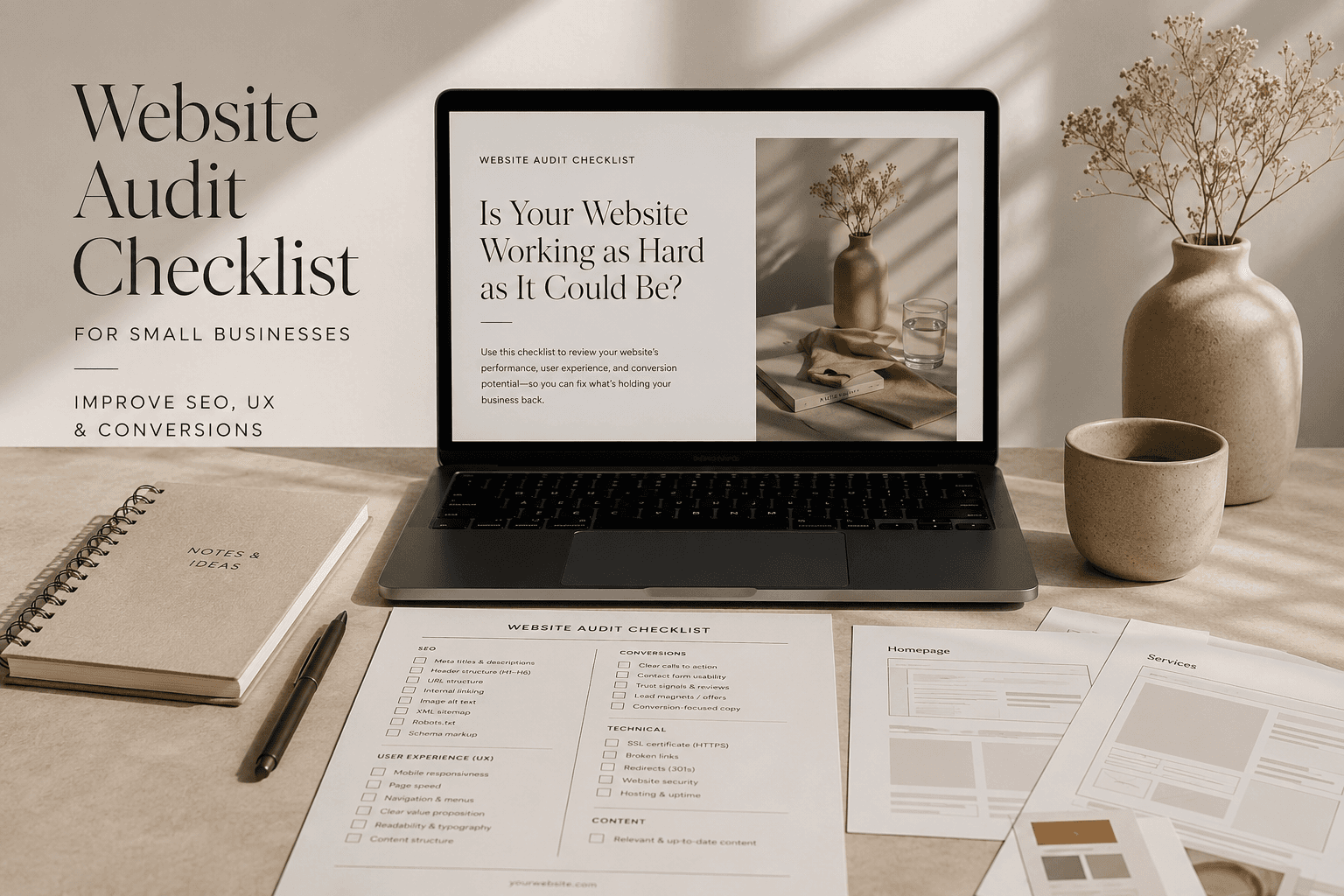
A website can look modern, attract visitors, and still struggle to deliver real business results. Over time, even small issues with SEO, user experience, performance, or conversions can quietly limit its potential. That's why regularly reviewing your website is just as important as building it in the first place.
In this website audit checklist for small businesses, we'll walk through the key areas worth reviewing to help you identify hidden issues, improve your online presence, and create a website that supports long-term business growth instead of simply existing online.
Tools You'll Need for a Website Audit
Before you start reviewing your website, it's helpful to have a few reliable tools on hand. While you don't need expensive software to identify common issues, the right tools can make the audit faster and more accurate.
Google PageSpeed Insights – Check page speed, Core Web Vitals, and performance recommendations.
Google Search Console – Identify indexing issues, search performance, and technical SEO problems.
Google Analytics 4 (GA4) – Understand how visitors use your website and which pages perform best.
Screaming Frog SEO Spider – Audit titles, meta descriptions, broken links, redirects, and other on-page SEO elements.
Chrome DevTools – Review how your website performs on mobile devices.
WAVE Accessibility Evaluation Tool – Identify accessibility issues that could affect usability and compliance.
1. Check Your Website Speed and Core Web Vitals
Page speed is one of the first things you should review during any website audit. A slow website can negatively affect user experience, search engine rankings, and conversions, making it more difficult for visitors to engage with your business.
As part of this website audit checklist for small businesses, we recommend testing your website with Google PageSpeed Insights to identify performance issues and Core Web Vitals that may need attention. If your website consistently performs poorly, it may also be a sign that it's time to consider a small business website redesign rather than making isolated fixes.
Things to review:
Measure your loading speed using Google PageSpeed Insights.
Review your Core Web Vitals, including Largest Contentful Paint (LCP), Interaction to Next Paint (INP), and Cumulative Layout Shift (CLS).
Identify large images, unused code, or render-blocking resources that may slow down your pages.
Test both the desktop and mobile versions of your website.
Prioritise fixing the issues that have the greatest impact on performance.
2. Review Your Website Structure and Navigation
A clear website structure helps both visitors and search engines understand your content. If users struggle to find information or navigate between pages, they're more likely to leave without taking action.
As part of this website audit checklist for small businesses, review how your pages are organised and whether your navigation supports a smooth user experience. If your navigation has become cluttered or confusing over time, professional small business web design services can help simplify your website and improve usability.
Things to review:
Make sure your main navigation is simple and easy to follow.
Check that your most important pages are accessible within a few clicks.
Remove broken, outdated, or unnecessary pages from your navigation.
Review your internal linking to ensure related pages are connected.
Test your navigation on both desktop and mobile devices.
Confirm that visitors can quickly find your contact page, services, and key information.
3. Audit Your On-Page SEO
Even the best-designed website can struggle to rank if its on-page SEO isn't properly optimised. A thorough small business website audit should include reviewing the elements that help search engines understand your content and determine its relevance.
While strong on-page SEO creates a solid foundation, it's also important to remember that SEO is a long-term strategy. If you're wondering how long it takes for SEO to work, results typically take several months, depending on your industry, competition, and the current state of your website. Investing in professional SEO web design services can also help ensure your website is built with both users and search engines in mind.
Things to review:
Check that every page has a unique title tag and meta description.
Make sure each page contains only one H1 heading.
Review your heading structure (H2s, H3s, and H4s) for logical organisation.
Verify that your primary keywords are used naturally throughout the content.
Check image alt text and descriptive file names.
Look for duplicate or thin content that could weaken your SEO.
Ensure your internal links connect relevant pages and help visitors navigate your website naturally.
4. Evaluate Your Website Design and User Experience
Your website should make a strong first impression while helping visitors complete their goals with as little friction as possible. Design is about much more than appearance; it directly influences trust, usability, and conversions.
As you work through this website audit checklist for small businesses, take an honest look at whether your website still reflects your brand and meets modern user expectations. If it feels outdated or difficult to use, it may be time for a small business website redesign or to invest in custom web design services that better support your business goals.
Things to review:
Check whether your website has a clean, modern, and consistent design.
Make sure your branding, colours, and typography are consistent across all pages.
Review whether buttons and calls to action are easy to find and click.
Look for cluttered layouts or distracting design elements.
Ensure important information is easy to scan and understand.
Test whether visitors can complete key actions, such as contacting you or requesting a quote, without confusion.
5. Check Your Website Security and Trust Signals
Website security is often overlooked, but it's an essential part of every small business website audit. An unsecured or outdated website can damage your credibility, affect search rankings, and even put customer data at risk.
Security also plays a role in what makes a website look professional, as visitors are far more likely to trust a website that appears secure, well-maintained, and reliable.
Things to review:
Confirm that your website uses HTTPS and has a valid SSL certificate.
Check that your CMS, plugins, and themes are up to date.
Remove unused plugins, themes, or software that could create security vulnerabilities.
Test your contact forms to ensure they are protected from spam.
Verify that regular website backups are being created.
Look for visible trust signals, such as privacy and cookie policies, secure payment badges (if applicable), and accurate business contact information.
Make sure there are no browser security warnings or broken security certificates.

6. Test Your Website on Mobile Devices
With most website traffic now coming from mobile devices, a poor mobile experience can quickly cost you potential customers. Even if your website looks great on a desktop, issues like difficult navigation, slow loading times, or buttons that are hard to tap can frustrate visitors.
As you complete this website audit checklist for small businesses, be sure to test every important page on multiple mobile devices. In many cases, poor mobile usability is one of the reasons why your website is getting traffic but no leads.
Things to review:
Check that your website displays correctly on different screen sizes.
Make sure text is easy to read without zooming.
Verify that buttons and links are large enough to tap comfortably.
Test menus, forms, and calls to action on mobile devices.
Review page loading speed on mobile connections.
Ensure images scale correctly without affecting performance.
Complete a full customer journey, from landing on your website to submitting an enquiry, using only a smartphone.
7. Review Your Content and Calls to Action
Your website content should do more than provide information; it should guide visitors toward taking action. If your messaging is unclear or your calls to action are difficult to find, potential customers may leave without contacting you.
During your small business website audit, evaluate whether each page has a clear purpose and encourages visitors to take the next step. If your content no longer reflects your business or supports your goals, it may be a sign that a small business website redesign is needed.
Things to review:
Check that every page has a clear purpose and target audience.
Make sure your value proposition is easy to understand within the first few seconds.
Review whether your calls to action are visible and compelling.
Remove outdated, duplicate, or irrelevant content.
Ensure your services and benefits are explained in simple, user-focused language.
Verify that contact forms, phone numbers, and enquiry buttons are easy to find.
Look for opportunities to improve readability with headings, bullet points, and shorter paragraphs.
8. Check Your Contact Forms and Conversion Paths
Getting visitors to your website is only part of the process; making it easy for them to become customers is just as important. A contact form that doesn't work, asks for too much information, or is difficult to find can lead to missed opportunities.
As you work through this website audit checklist for small businesses, review every step a visitor takes before making an enquiry. Good UX design helps remove unnecessary friction and creates a smoother path to conversion.
Things to review:
Test every contact form to make sure submissions are successful.
Confirm that enquiry notifications are being delivered to the correct email address.
Keep forms as short as possible by only asking for essential information.
Make sure contact forms are easy to find on key landing pages.
Check that phone numbers, email addresses, and buttons are clickable on mobile devices.
Review every conversion path to ensure visitors can request a quote, book a consultation, or contact your business without confusion.
Verify that visitors receive a confirmation message or thank-you page after submitting a form.
9. Review Your Technical SEO
Technical SEO ensures that search engines can properly crawl, index, and understand your website. Even if your content is well-written and your design looks great, technical issues can prevent your pages from performing as they should.
As part of your small business website audit, it's worth reviewing the technical foundation of your website to identify problems that could affect visibility in search results.
Things to review:
Check Google Search Console for crawl errors and indexing issues.
Make sure your XML sitemap is up to date and submitted to Google.
Review your robots.txt file to ensure important pages aren't being blocked.
Check for broken links and unnecessary redirects.
Verify that canonical tags are implemented correctly to avoid duplicate content.
Make sure important pages are indexed and can be found in Google.
Fix any 404 errors or redirect chains that may affect user experience and SEO.
Check that structured data (schema markup) is implemented correctly where applicable to improve search visibility and eligibility for rich results.
10. Evaluate Your Website Content
Your content should be accurate, relevant, and written with both your audience and search engines in mind. Outdated information, thin content, or pages that don't address user intent can limit your website's performance.
During your website audit, take the time to review your content and identify opportunities to improve its quality and usefulness. If you've ever wondered why is my website not showing up on Google, weak or poorly optimised content could be one of the contributing factors.
Things to review:
Update outdated information, statistics, and service details.
Check that each page has a clear purpose and targets a specific topic.
Remove duplicate or low-value content where appropriate.
Make sure your content answers common customer questions.
Review your keyword usage to ensure it sounds natural and isn't over-optimised.
Add internal links to related pages and blog posts where relevant.
Proofread your content for grammar, spelling, and readability.
11. Review Your Local SEO
If your business serves customers in a specific city or region, local SEO should be an important part of your website audit checklist for small businesses.
Optimising your local presence can improve your visibility in local search results and help potential customers find your business more easily. Even small improvements to your local SEO can have a meaningful impact on enquiries and leads.
Things to review:
Make sure your Google Business Profile is complete and up to date.
Check that your business name, address, and phone number (NAP) are consistent across your website and online directories.
Verify that your business hours and contact details are accurate.
Encourage satisfied customers to leave Google reviews and respond to them professionally.
Include relevant local keywords where they fit naturally within your website content.
Check that your website includes location-specific pages if you serve multiple areas.
Ensure your Google Business Profile links to the correct pages on your website.
12. Check Your Website Accessibility
Website accessibility is often overlooked, but it plays an important role in creating a positive experience for all visitors.
An accessible website is easier to navigate, more inclusive, and can also support your SEO efforts by improving usability and content structure. Reviewing accessibility doesn't have to be complicated; even small improvements can make a noticeable difference.
Things to review:
Make sure all images have descriptive alt text.
Check that your text has sufficient colour contrast against the background.
Verify that headings follow a logical hierarchy (H1, H2, H3, etc.).
Ensure links use descriptive anchor text instead of phrases like "Click here."
Test that your website can be navigated using only a keyboard.
Make sure forms include clear labels and helpful error messages.
Review font sizes and spacing to ensure your content is easy to read on all devices.
13. Optimise Your Images and Media
Images and other media play a major role in your website's performance, user experience, and overall appearance. Large, unoptimised files can slow down your pages, while poor-quality visuals can make your business appear less professional.
As you complete your website audit checklist for small businesses, review every image and media element to ensure they support both performance and your brand. If you're also considering how to choose the right web designer for your small business, pay attention to how they approach image optimisation, as it's an important part of building a fast, high-quality website.
Things to review:
Compress large images without noticeably reducing quality.
Use modern image formats, such as WebP, where appropriate.
Resize images to match their displayed dimensions.
Add descriptive alt text to improve accessibility and SEO.
Remove outdated or unused images from your media library.
Enable lazy loading for images below the fold where possible.
Optimise embedded videos and other media to minimise their impact on page speed.
14. Check for Broken Links and Website Errors
Broken links and website errors may seem like minor issues, but they can frustrate visitors, reduce trust, and negatively impact your SEO.
They can also prevent search engines from properly crawling your website, making them an important part of any small business website audit. Taking the time to identify and fix these issues helps create a smoother user experience and ensures your website remains reliable.
Things to review:
Check for broken internal and external links.
Fix any 404 error pages or redirect them where appropriate.
Review redirect chains and loops that may affect performance.
Make sure images, videos, and downloadable files load correctly.
Check for orphan pages that aren't linked from anywhere on your website.
Create a custom 404 page that helps visitors find relevant content instead of leaving your website.
Use tools like Screaming Frog SEO Spider or Google Search Console to identify crawl errors and broken links.
15. Create an Action Plan and Schedule Regular Audits
Completing your website audit is only the first step; what you do with the findings matters even more. Rather than trying to fix everything at once, focus on the issues that will have the biggest impact on your website's performance and your business goals.
This website audit checklist for small businesses is most effective when it's used regularly, helping you keep your website secure, up to date, and optimised as your business grows.
Things to review:
Prioritise critical issues that affect security, usability, and conversions.
Create a realistic action plan with achievable deadlines.
Focus on high-traffic and high-conversion pages first.
Monitor your progress using Google Analytics 4 and Google Search Console.
Schedule a comprehensive website audit at least once or twice a year.
Keep your content, plugins, and software updated to maintain long-term performance.
Repeat the audit after major website updates or redesigns to ensure everything is working as expected.
Best Website Audit Tools to Evaluate Your Website
If you're looking for a quick overview of your website's performance, several tools can generate an audit score in just a few minutes. While these scores shouldn't be treated as the only measure of a website's quality, they can help you identify areas that need further investigation.
Tool | What It Measures | Score |
|---|---|---|
Google PageSpeed Insights | Performance & Core Web Vitals | 0–100 |
GTmetrix | Performance & loading metrics | Grade + Performance Score |
Google Lighthouse | Performance, SEO, Accessibility & Best Practices | 0–100 |
Semrush Site Audit | Technical SEO health | Site Health % |
Ahrefs Site Audit | Technical SEO issues | Health Score % |
Screaming Frog SEO Spider | Crawl errors & technical issues | No overall score |
Although these tools provide useful benchmarks, don't focus solely on achieving a perfect score. A website with a PageSpeed score of 85 can often outperform one scoring 100 if it delivers a better user experience and converts more visitors into customers.
Final Thoughts on This Website Audit Checklist for Small Businesses
A thorough website audit can help you uncover issues that may be limiting your website's performance, even if they're not immediately obvious. By working through this website audit checklist for small businesses, you'll be better equipped to improve your SEO, user experience, website performance, and conversions over time.
Remember that a website audit isn't a one-time task but an ongoing process that helps keep your website aligned with your business goals and changing user expectations. A website audit should be part of your regular website maintenance routine rather than a one-time task. Regular reviews and continuous improvements will help ensure your website remains a valuable asset that supports long-term business growth.
Frequently Asked Questions
What is a website audit?
A website audit is a comprehensive review of your website's performance, SEO, user experience, security, and technical health. Its purpose is to identify issues that may be affecting your search rankings, conversions, or overall user experience and provide a clear plan for improvement.
How often should you audit your small business website?
Most small businesses should perform a website audit at least once or twice a year. However, it's also a good idea to audit your website after a redesign, major content updates, or significant changes to your SEO strategy.
Can I perform a small business website audit myself?
Yes. Many aspects of a small business website audit can be completed using free tools like Google Search Console, Google Analytics 4, Google PageSpeed Insights, and Chrome DevTools. However, more complex technical issues may require the help of an experienced web design or SEO professional.
What is the best website audit tool?
There isn't a single best website audit tool because each one focuses on different aspects of your website. Google PageSpeed Insights, Google Search Console, Screaming Frog SEO Spider, Semrush, Ahrefs, and GTmetrix are among the most widely used tools for evaluating website performance and technical SEO.
Does a website audit improve SEO?
A website audit doesn't directly improve SEO, but it helps identify the issues that may be preventing your website from performing well in search results. Fixing technical problems, improving content, and optimising user experience can all contribute to stronger long-term SEO performance.
How long does a website audit take?
The time required depends on the size and complexity of your website. A basic audit for a small business website can often be completed in a few hours, while larger websites with hundreds of pages may require several days to review thoroughly.
What should a small business website audit include?
A small business website audit should include a review of page speed, Core Web Vitals, website structure, navigation, on-page SEO, technical SEO, security, mobile usability, accessibility, content quality, local SEO, images, broken links, and conversion opportunities. The goal is to identify issues that could affect your website's performance, user experience, and search visibility.
When should I consider a website redesign instead of an audit?
If your website has an outdated design, poor usability, recurring technical issues, or no longer supports your business goals, an audit may reveal that a complete website redesign is the better long-term solution. It helps you determine whether targeted improvements are enough or if a full redesign will deliver greater long-term value.
BLOG